On October 16th we stopped all forum email to members by setting all member preferences to "Stop all Emails"
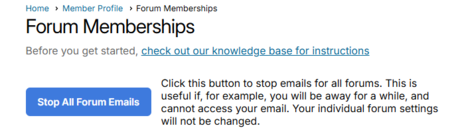
You may resume receiving emails by opening your preferences and clicking the big blue button "Resume Forum Emails"
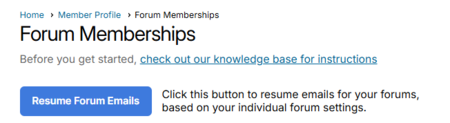
Two ways to get to your preferences page: Click "Forums" in the black menu bar, and choose "My Forum Memberships," or click your name in the upper right corner of the screen and choose "Profile," then select forum preferences.
Let us know if you need help.
Richmond Shreve
NaCCRA Board Member & VP
Forum Moderator